






Questions about product
Once the equipment is connected to the mains, press the ON/OFF button for 2 seconds and the equipment will give output voltage
Press the sound button for 2 seconds to silence the audible alarm
Press the arrow button for 4 seconds and the light will turn off
Press the button for 4 seconds and the light will turn on
It has two front USB ports of type A and C, 2A
For Windows, Linux and Mac family, with the program Viewpower
The program can be downloaded through https://www.salicru.com/viewpower.html
Master Slave Off
To activate or deactivate this function, it is necessary to press the ON/OFF button for 8 seconds, during which the UPS will activate its audible alarm at a rate of 1 beep per second. Once activated, it will be indicated by MS1 display every 20s. Once disabled, MS0 will be indicated by display every 20s.
No, the Equipment that has Master Slave are the 1250va, 1650va and 2250va Equipments
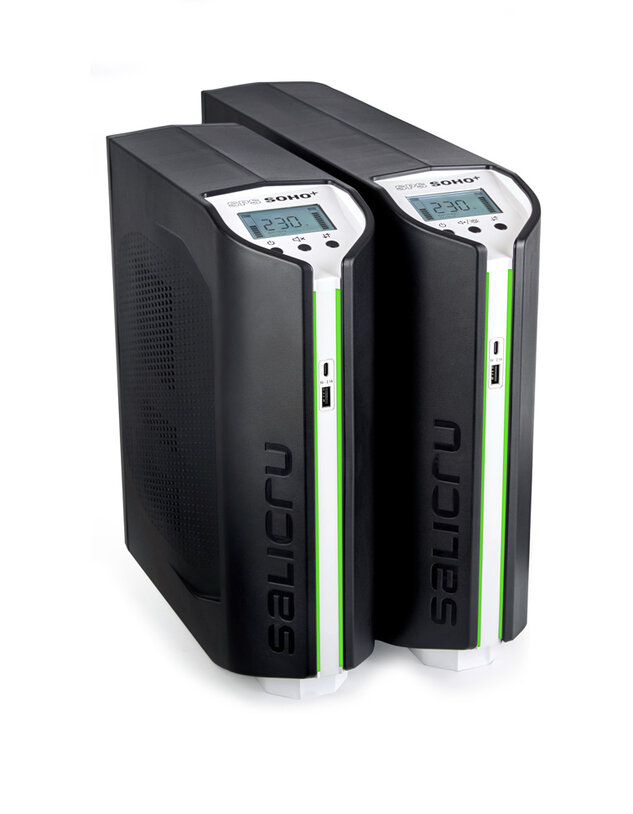
The display is backlit and provides a clear and detailed view of the operating status of the equipment at all times. It displays essential information such as the available battery level, the percentage of charge connected, the input and output voltage, as well as the operating mode: normal, in AVR mode or in battery mode in the event of a power outage.
Yes, pressing the ON/OFF button for 3 seconds will turn the device on and voltage the output will be activated
YES, in line mode, press and hold the ON/OFF button for 4 seconds
When a fault or alarm appears, the wallpaper lighting will not dim
 icon mean?
 icon mean?
The computer is overloaded, remove loads.
Short-circuit output, disconnect loads and restart the UPS
Over temperature, turn off the unit and disconnect unnecessary loads for cooling, restart the UPS
Battery mode with high output failure. Call Technical Support
Battery overcharging. Call Technical Support
Faulty battery, replace the battery
Not found your solution?


 MONTAWEB.com