
UPS RECOMMENDER
UPS RECOMMENDER
 
General Catalogue
 
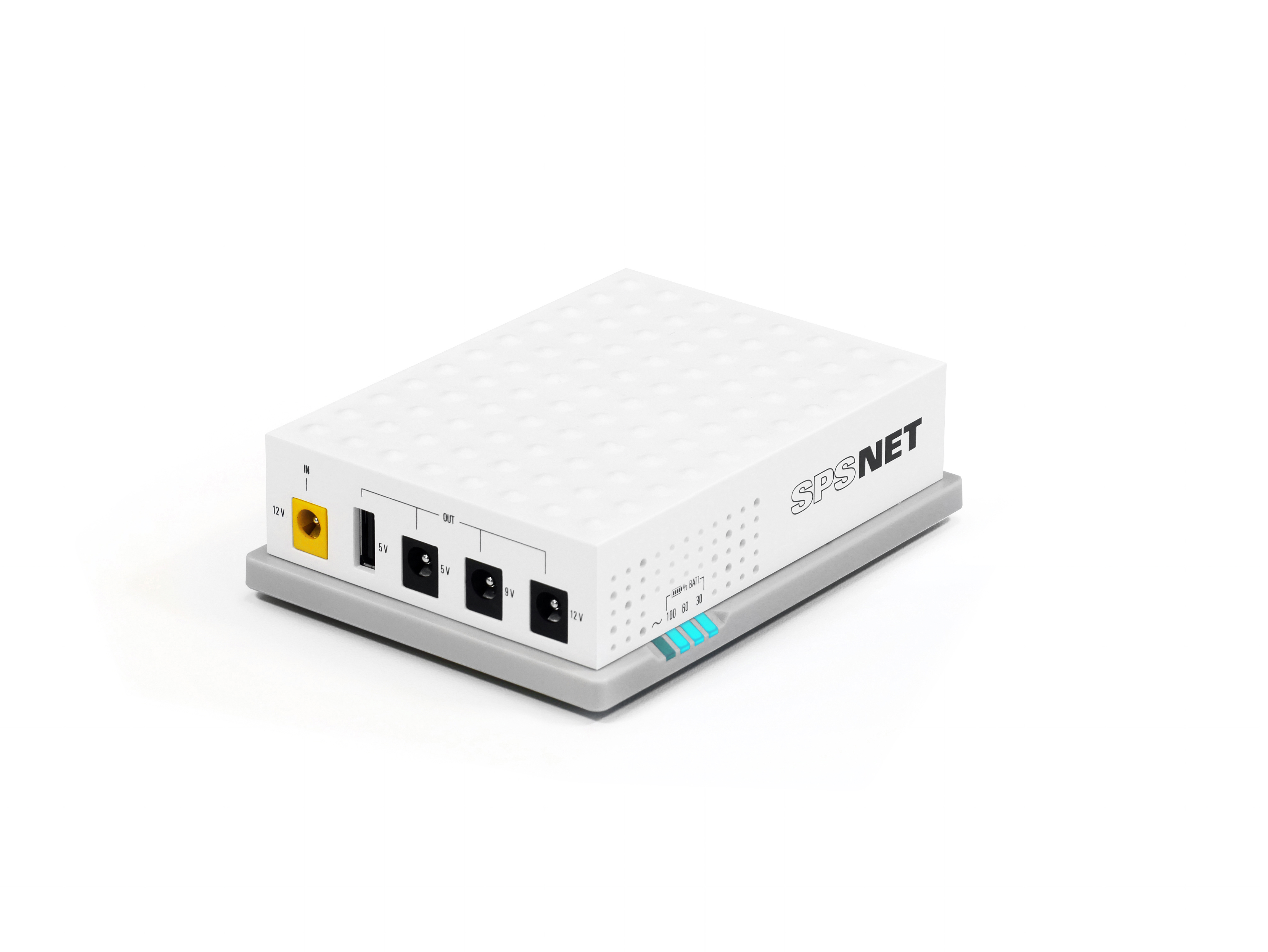
SPS NET2
SPS NET2
 
General Catalogue
 
Variable frequency drives
 
General Catalogue
 
Photovoltaic inverters
 
General Catalogue
 
Stabilisers
Stabilisers
 
General Catalogue
 
DC Systems
DC Systems
 
General Catalogue
 
Transformers
Transformers
 
General Catalogue
Sales Channels
Support
 
Maintenance contracts
 
General Catalogue

Questions about product
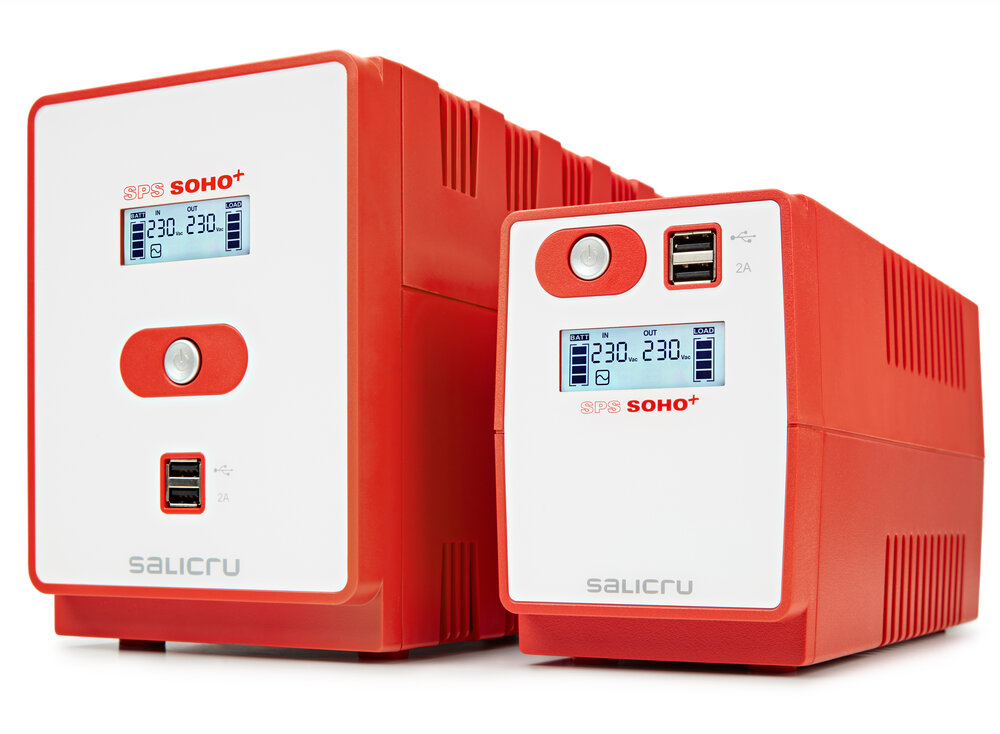
SPS SOHO+ (red)
Line-interactive UPS 500 VA - 2200 VA with dual USB charger
Optimum electrical protection for office environments and systems
UPS working but alarm sounds continuously

Possible cause: Overload at output.

Solution: Turn off and disconnect UPS. Disconnect excess load and reset input protection. Connect and turn on UPS.

When connecting UPS to mains, it does not start

Possible cause: On-Off button not pressed.

Solution: Press and hold down “On-Off” button for 2 seconds. Button surround illuminates white.


Possible cause: Input power cables badly connected.

Solution: Check input power cables firmly connected to mains and UPS.


Possible cause: Battery damaged.

Solution: Contact distributor or seller or, failing that, our TSS.


Possible cause: Mechanical problem.

Solution: Contact distributor or seller or, failing that, our TSS.

When turning on UPS, LED of “On-Off” button surround flashes and sounds a beep every 30 seconds

Possible cause: No voltage at input.

Solution: Check for mains voltage.


ossible cause: Input power cables badly connected.

Solution: Check input power cables firmly connected to mains and UPS.

Battery backup time much shorter than expected.

Possible cause: Batteries not fully charged.

Solution: Charge batteries for at least 8 hours and then check their charge level. If problem persists, contact distributor or seller or, failing that, our TSS.


Possible cause: Batteries defective.

Solution: Contact distributor or seller or, failing that, our TSS for battery replacement.

No output voltage

Possible cause: Input protection tripped by overload at output.

Solution: Disconnect load and reset input protection.


Possible cause: Battery discharged.

Solution: Charge batteries for at least 7 hours. If problem persists, contact distributor or seller or, failing that, our TSS.


Possible cause: UPS faulty.

Solution: Contact distributor or seller or, failing that, our TSS.

Power Panel software installed but does not run

Possible cause: USB cable not connected.

Solution: Connect USB cable between UPS and computer. Use cable supplied with UPS.

Barcelona Web Design: MontawebMONTAWEB.com
Welcome to Salicru. Select country/language
Australia   English
Bangladesh   English
Camboya   English
China   English
India   English
Indonesia   English
Japan   English
Kazakhstan   English
Laos   English
Malaysia   English
Myanmar   English
New Zealand   English
Pakistan   English
Philippines   English
Singapore   English
South Korea   English
Sri Lanka   English
Taiwan   English
Thailand   English
Vietnam   English
extralarge
large
tablet
mobile
We use proprietary and third-party cookies to keep track of how our website is used and to be able to improve it, adapt the content to your tastes and personalise our advertising, marketing and social media posts. Click on the corresponding buttons to accept all of them, reject them or configure your settings. Please see our Cookie Policy for more information.