
UPS RECOMMENDER
UPS RECOMMENDER
 
 
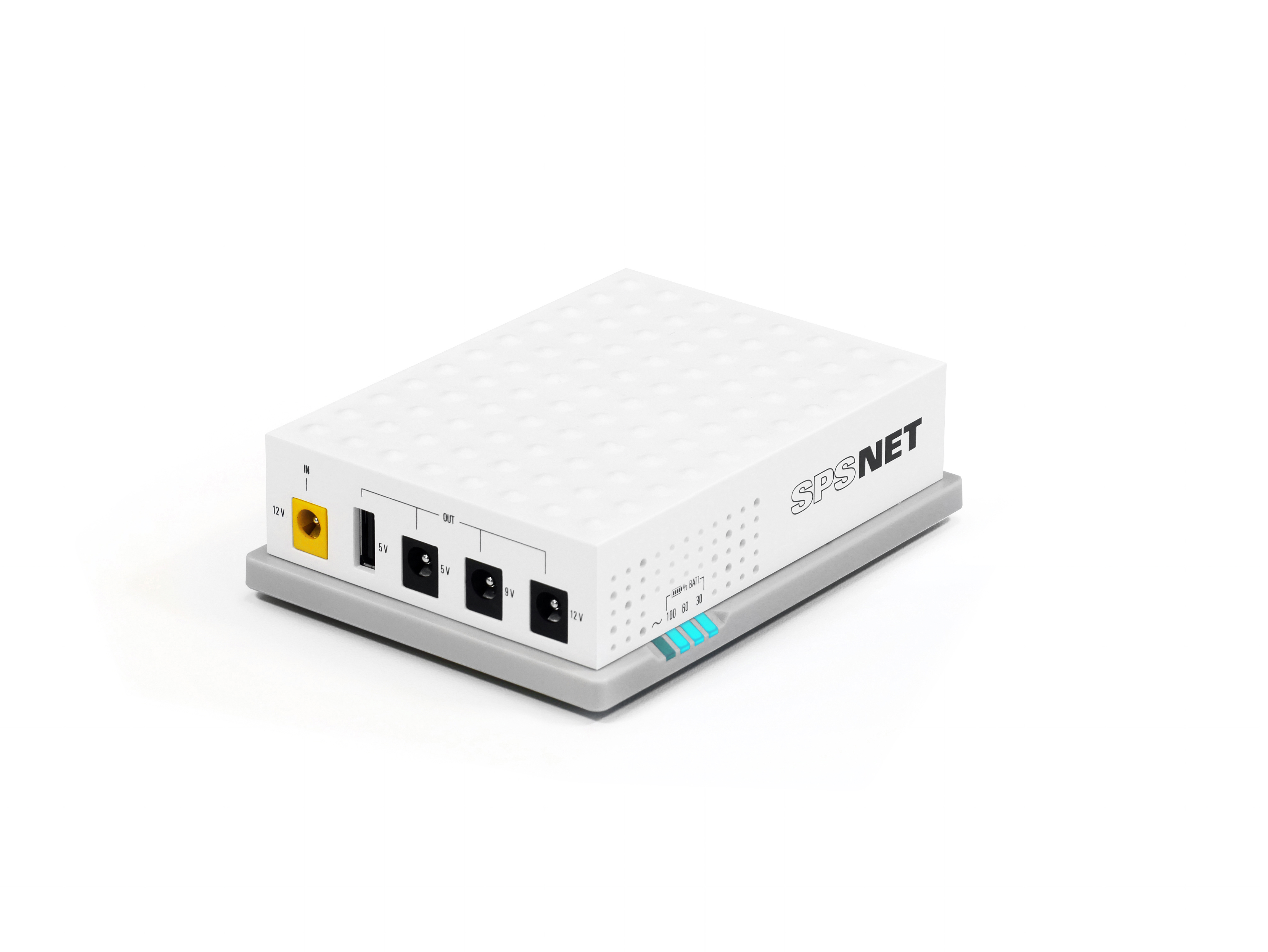
SPS NET2
SPS NET2
 
 
Variable frequency drives
 
 
Photovoltaic inverters
 
 
Stabilisers
Stabilisers
 
 
DC Systems
DC Systems
 
 
Transformers
Transformers
 

Questions about product
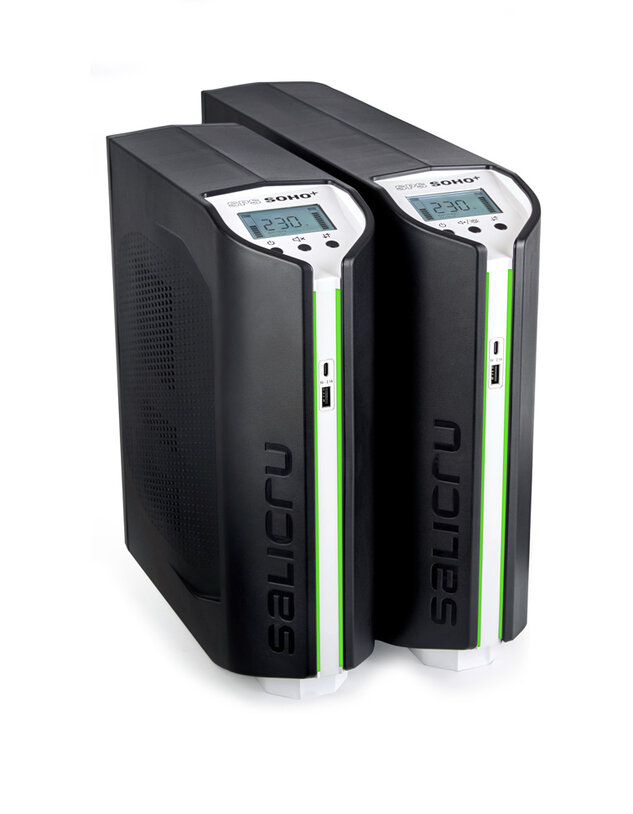
SPS SOHO+
Line-interactive 750 VA - 2250 VA UPS with double USB charger
Safe and stable power for your IT and office equipment
How do you get the equipment up and running?

Once the equipment is connected to the mains, press the ON/OFF button for 2 seconds and the equipment will give output voltage

How to silence the acoustic alarm?

Press the sound button for 2 seconds to silence the audible alarm

Is it possible to remove the light from the front LED bars?

Press the arrow button for 4 seconds and the light will turn off

Is it possible to turn on the light on the front LED bars?

Press the button for 4 seconds and the light will turn on

What do the front LED bars of the 700 VA and 900 VA mean?
  • Green: operating in normal mode
  • Blue: Operating in battery mode
  • Red: Equipment anomaly or failure
  • What do the front LED bars of the 1250 VA, 1650 VA, 2250 VA mean?
  • The default LED colors are as follows:
  • Green: operating in normal mode
  • Blue: Operating in battery mode
  • Red: Equipment anomaly or failure
  • There are 4 selectable color groups. See page 12 of the manual
  • What kind are USB ports?

    It has two front USB ports of type A and C, 2A

    What is the management and monitoring software used by the team?

    For Windows, Linux and Mac family, with the program Viewpower

    How do I download the Viewpower program?

    The program can be downloaded through https://www.salicru.com/viewpower.html

    What does the letters MS0 mean for 1250 VA / 1650 VA / 2250 VA power equipment?

    Master Slave Off

    How do I activate the Master Slave for 1250 VA / 1650 VA / 2250 VA power equipment?

    To activate or deactivate this function, it is necessary to press the ON/OFF button for 8 seconds, during which the UPS will activate its audible alarm at a rate of 1 beep per second. Once activated, it will be indicated by MS1 display every 20s. Once disabled, MS0 will be indicated by display every 20s.

    Do the 700 VA and 900 VA have Master Slave equipment?

    No, the Equipment that has Master Slave are the 1250va, 1650va and 2250va Equipments

    How does Master Slave mode work?
  • When the load connected to the MASTER socket is ≥ 100W, the SLAVE outputs will be activated.
  • When the load connected to the MASTER socket is ≤ 70W, the SLAVE outputs will be disabled.
  • What does the home screen show?

    The display is backlit and provides a clear and detailed view of the operating status of the equipment at all times. It displays essential information such as the available battery level, the percentage of charge connected, the input and output voltage, as well as the operating mode: normal, in AVR mode or in battery mode in the event of a power outage.

    What are the batteries in the equipment?
  • SPS 750 Soho+: 1 12v7a battery.
  • SPS 900 Soho+: 1 12v9a battery.
  • SPS 1250 Soho+: 2 x 12v7a batteries.
  • SPS 2250 Soho+: 2 x 12v9a batteries.
  • Can I turn on the equipment without input voltage?

    Yes, pressing the ON/OFF button for 3 seconds will turn the device on and voltage the output will be activated

    Can I perform a battery test?

    YES, in line mode, press and hold the ON/OFF button for 4 seconds

    When does the screen light illuminate?

    When a fault or alarm appears, the wallpaper lighting will not dim

    What does the icon mean?
    This icon means faulty battery, battery replacement
    Battery replacement
    What does the icon mean?

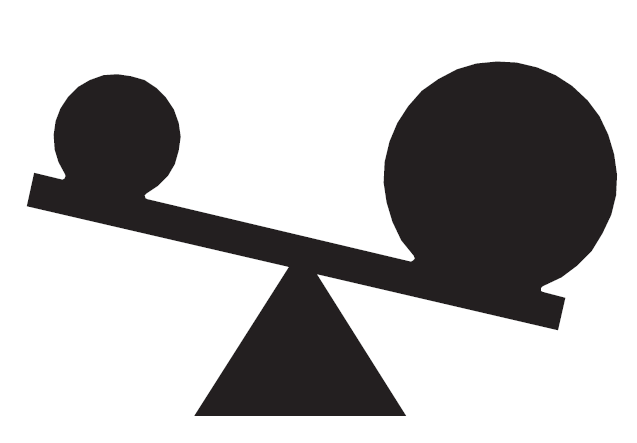
    The computer is overloaded, remove loads.
     width=

    What does the E01 ruling mean?

    Short-circuit output, disconnect loads and restart the UPS

    What does the E02 ruling mean?
    Overload, switch off the unit and disconnect unnecessary loads, restart the UPS.
    What does the E03 ruling mean?

    Over temperature, turn off the unit and disconnect unnecessary loads for cooling, restart the UPS

    What does E04 mean?

    Battery mode with high output failure. Call Technical Support

    What does E05 mean?

    Battery overcharging. Call Technical Support

    What does E06 fault mean?

    Faulty battery, replace the battery

    Barcelona Web Design: MontawebMONTAWEB.com
    Welcome to Salicru. Select country/language
    Andorra   Català   Español
    Armenia   English
    Austria   Deutsch   English
    Belarus   English
    Belgium   Français   English
    Bulgaria   English
    Croatia   English
    Cyprus   English
    Czech Republic   English
    Denmark   English
    Estonia   English
    Finland   English
    France   Français
    Georgia   English
    Germany   Deutsch   English
    Greece   English
    Hungary   English
    Ireland   English
    Italy   English
    Latvia   English
    Lithuania   English
    Luxembourg   Français   Deutsch
    Malta   English
    Netherlands   English
    Norway   English
    Poland   English
    Portugal   Português
    Romania   English
    Russia   English
    Serbia   English
    Slovakia   English
    Spain   Español   Català
    Sweden   English
    Switzerland   Français   Deutsch   English
    Ukraine   English
    United Kingdom   English
    extralarge
    large
    tablet
    mobile
    We use proprietary and third-party cookies to keep track of how our website is used and to be able to improve it, adapt the content to your tastes and personalise our advertising, marketing and social media posts. Click on the corresponding buttons to accept all of them, reject them or configure your settings. Please see our Cookie Policy for more information.